Hello everyone!
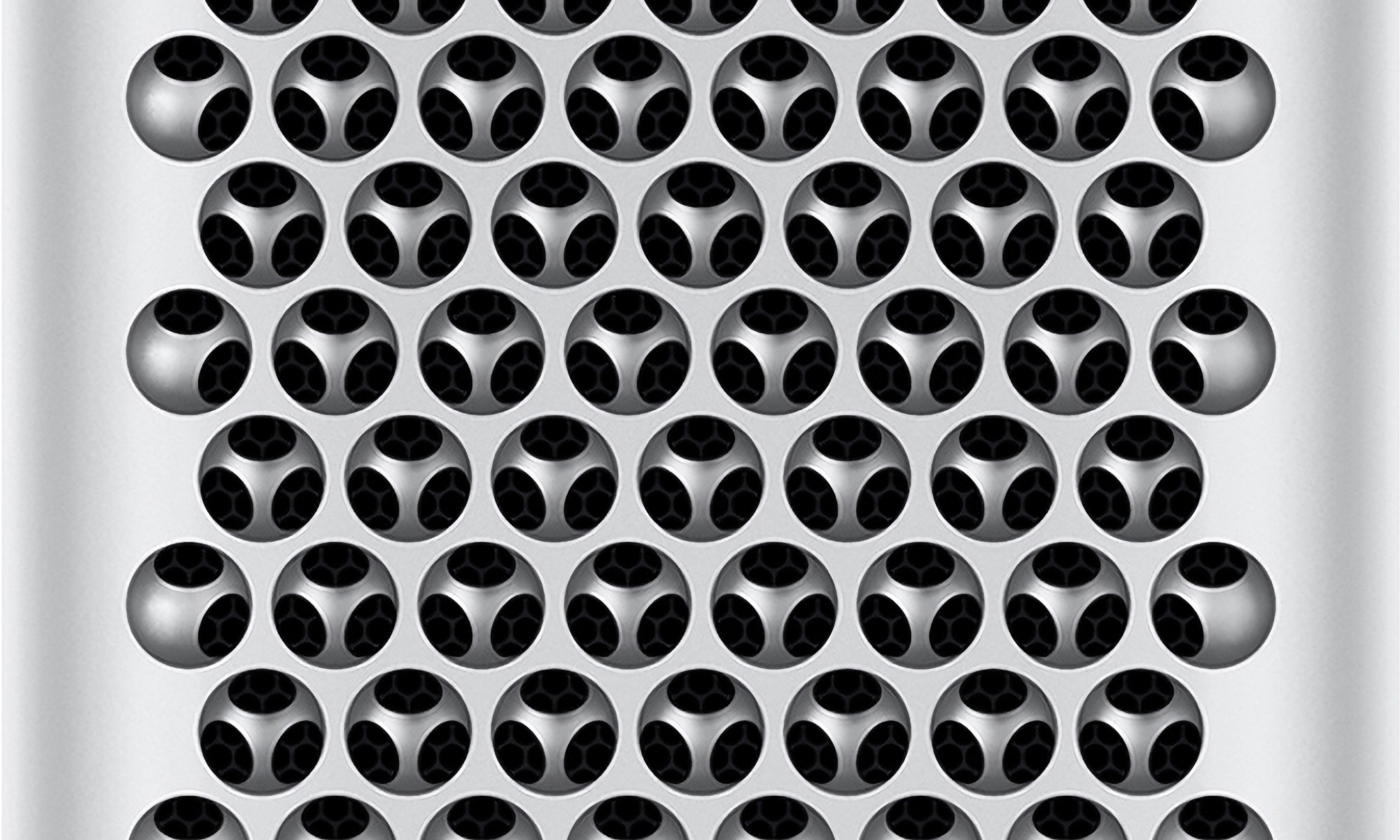
I am considering getting a brand new and sealed Mac Pro 2019 (96GB RAM, 4TB Apple SSD, 580X, 12 Core) and upgrading it until I reach the max config that cost an arm and a leg back in 2019.
Now, after Apple drops support for Tahoe I would most likely only use Windows 11 from then on, therefore the question came up whether I could just get a Nvidia RTX 5090 Founders Edition and use said on Windows 11? Will there be any limitations besides not being able to use macOS? And can I use my Studio Display with it?
Also, excuse my ignorance since I do not know a lot about GPUs: Is the RTX 5090 better than the The AMD Radeon Pro Vega II Duo, since the latter has more VRAM? Probably a stupid question, I just do not know tbh.
Next, is the internal SSD replaceable if it breaks one day? And is it true that you can only use Apple SSDs?
Does Magic Mouse/Trackpad/Keyboard work under Windows 11 or any issues known?
And lastly, is it worth it from a price point to upgrade to 28C and 1.5TB of RAM? Since even now that will still run you over 10k$?
Forgot to mention, mostly want to do my work (AI, lots of Google Meet, extensive browsing 80+ tabs, some AAA gaming, data hoarding)
Thanks everyone, really appreciate the help!
I am considering getting a brand new and sealed Mac Pro 2019 (96GB RAM, 4TB Apple SSD, 580X, 12 Core) and upgrading it until I reach the max config that cost an arm and a leg back in 2019.
Now, after Apple drops support for Tahoe I would most likely only use Windows 11 from then on, therefore the question came up whether I could just get a Nvidia RTX 5090 Founders Edition and use said on Windows 11? Will there be any limitations besides not being able to use macOS? And can I use my Studio Display with it?
Also, excuse my ignorance since I do not know a lot about GPUs: Is the RTX 5090 better than the The AMD Radeon Pro Vega II Duo, since the latter has more VRAM? Probably a stupid question, I just do not know tbh.
Next, is the internal SSD replaceable if it breaks one day? And is it true that you can only use Apple SSDs?
Does Magic Mouse/Trackpad/Keyboard work under Windows 11 or any issues known?
And lastly, is it worth it from a price point to upgrade to 28C and 1.5TB of RAM? Since even now that will still run you over 10k$?
Forgot to mention, mostly want to do my work (AI, lots of Google Meet, extensive browsing 80+ tabs, some AAA gaming, data hoarding)
Thanks everyone, really appreciate the help!