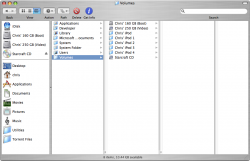
I have a DVD that I have put some .avi files on (Xvid). The files play fine in quicktime. But i want to be able to play them in front row off the DVD not have to copy them to the hard drive. Can the DVD player in front row do this? Or can i somehow make an alias to the DVD drive to put in my "Movies" folder?


Got a tip for us?
Let us know
Become a MacRumors Supporter for $50/year with no ads, ability to filter front page stories, and private forums.
Front Row and data DVD
- Thread starter Character Zero
- Start date
- Sort by reaction score