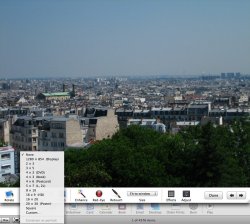
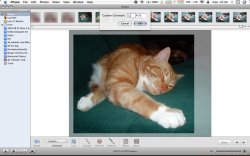
When editing a photo you have two options to do that. Along the bottom there should be some editing tools. One is crop that just lets you drag a rectangular area over your picture to crop. This way you can quickly do any ratio but have to rely on your eye to get what you want.
The other option is the constrain menu that should be directly left of the crop button. It has a bunch of preset ratios but also has a custom option. I attached a screenshot of this menu open in my iPhoto (version 6).