

I'm using `Ventura 13.4.1 (c)`, on a number of Macs.
All MacBook Pro laptops, I change my network settings regularly for work (DNS, etc). For some reason on one of the Macs I get this popup each time I even open network settings, without making a change, just by pressing "OK".
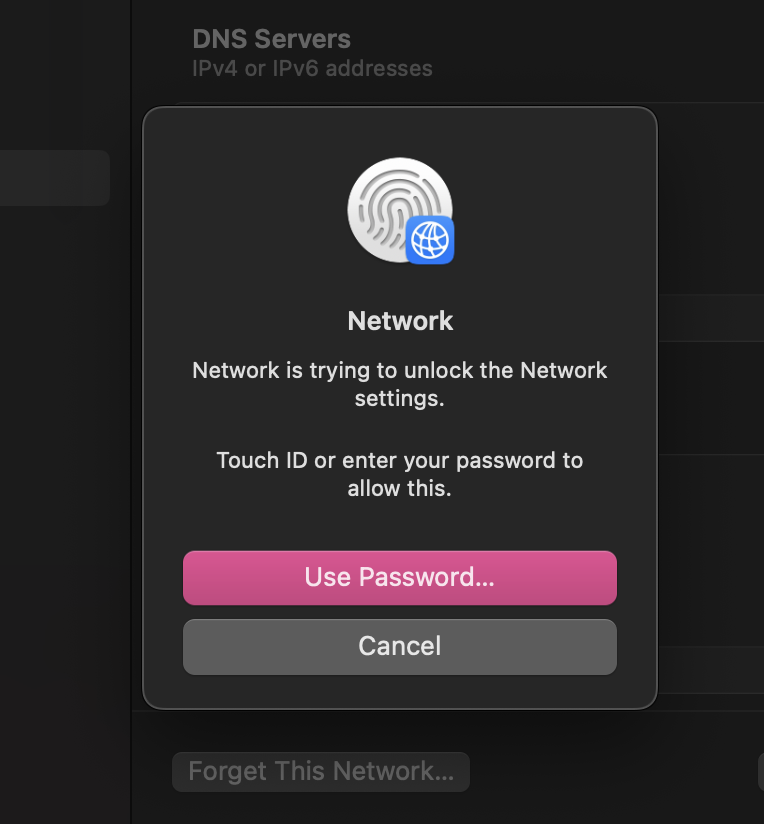
I'm the owner, so I have the password/fingerprint to unlock, but it's just strange. Settings are the same on my other Macs.
Any idea why this is constantly prompted?
All MacBook Pro laptops, I change my network settings regularly for work (DNS, etc). For some reason on one of the Macs I get this popup each time I even open network settings, without making a change, just by pressing "OK".
I'm the owner, so I have the password/fingerprint to unlock, but it's just strange. Settings are the same on my other Macs.
Any idea why this is constantly prompted?