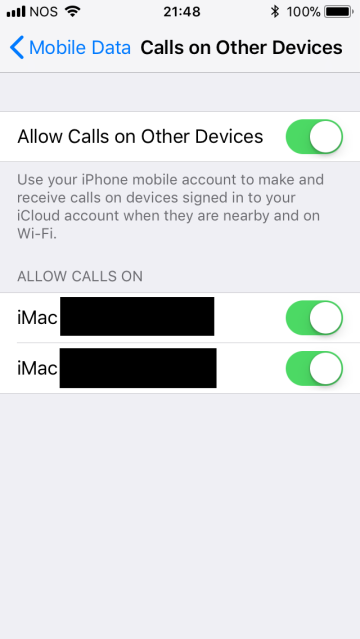
R rmoliv macrumors 68000 Original poster Feb 21, 2018 #1 Why is the very same iMac being shown twice and how do I delete/remove the "extra" one? It won't let me get rid of it. My iPhone's running the latest version of iOS 11.
Why is the very same iMac being shown twice and how do I delete/remove the "extra" one? It won't let me get rid of it. My iPhone's running the latest version of iOS 11.
Chazzle macrumors 68020 Feb 22, 2018 #3 rmoliv said: Solved. Changing Apple ID password worked. Click to expand... That’s a weird fix, but glad it worked.
rmoliv said: Solved. Changing Apple ID password worked. Click to expand... That’s a weird fix, but glad it worked.