

Hi everyone,
I wanted to introduce MacPacker, an open-source archive manager for macOS that I've been building since 2023.
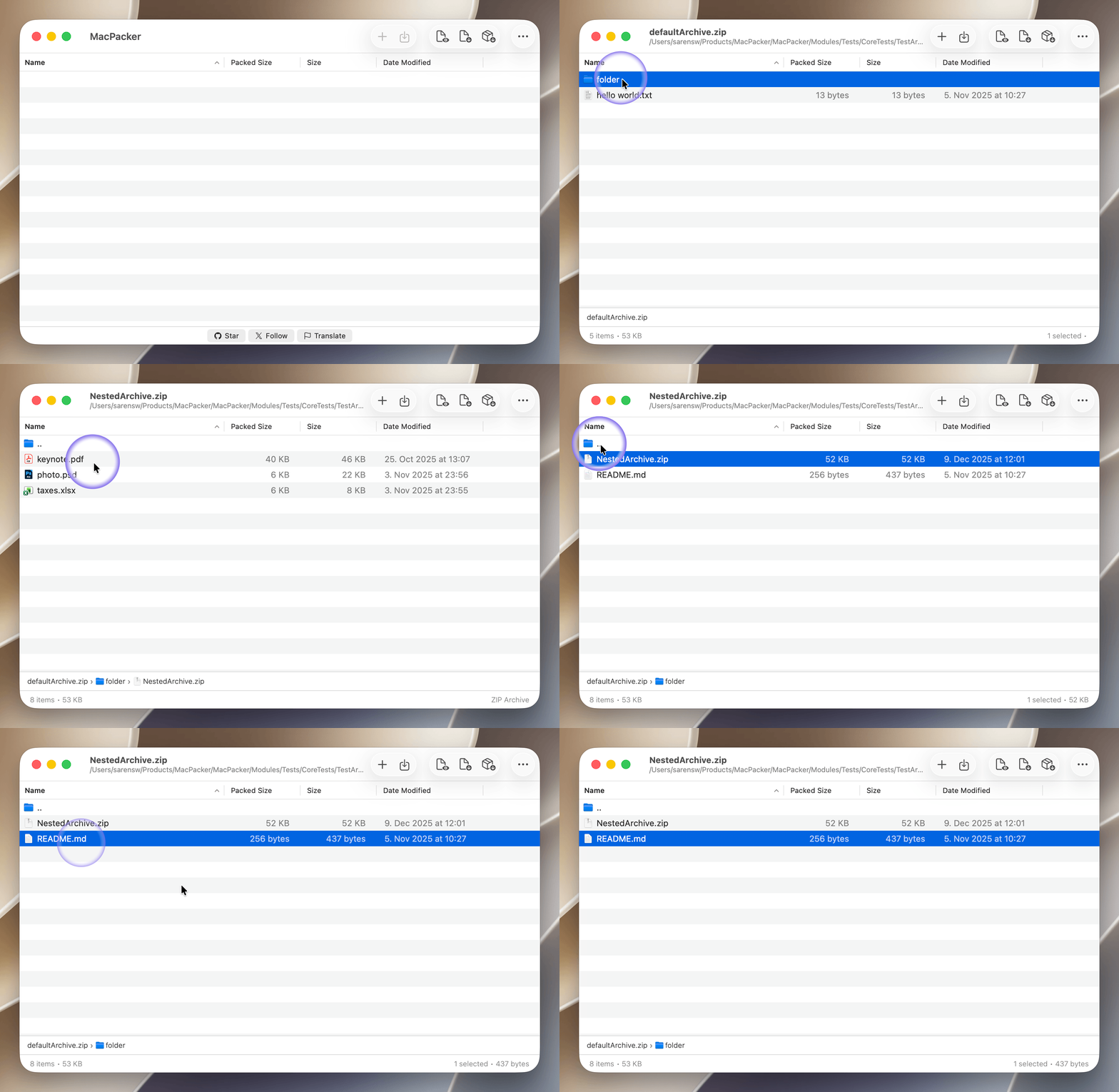
It originally started as a small archive preview tool for tar.lz4 files with support for nested archives because that was exactly what I needed at the time. Three years later, it has grown into a full archive manager supporting more than 40 archive formats. You can browse archives without extracting them first, inspect nested archives, and extract individual files or entire folders.
The reason I'm posting today is that MacPacker has reached an important milestone. With yesterday's v0.18 release, it can now create and edit ZIP archives. ZIP is the first supported editable format, with more planned in future releases.
MacPacker is available through several channels:
I wanted to introduce MacPacker, an open-source archive manager for macOS that I've been building since 2023.
It originally started as a small archive preview tool for tar.lz4 files with support for nested archives because that was exactly what I needed at the time. Three years later, it has grown into a full archive manager supporting more than 40 archive formats. You can browse archives without extracting them first, inspect nested archives, and extract individual files or entire folders.
The reason I'm posting today is that MacPacker has reached an important milestone. With yesterday's v0.18 release, it can now create and edit ZIP archives. ZIP is the first supported editable format, with more planned in future releases.
MacPacker is available through several channels:
- GitHub Releases: https://github.com/sarensw/macpacker/releases
- Direct download: https://macpacker.app
- Homebrew:
Code:
brew install --cask macpacker - Mac App Store: https://apps.apple.com/de/app/macpacker-unzip-extract/id6473273874?l=en-GB&mt=12


