

Become a MacRumors Supporter for $50/year with no ads, ability to filter front page stories, and private forums.

MacRumors

macrumors bot
Original poster


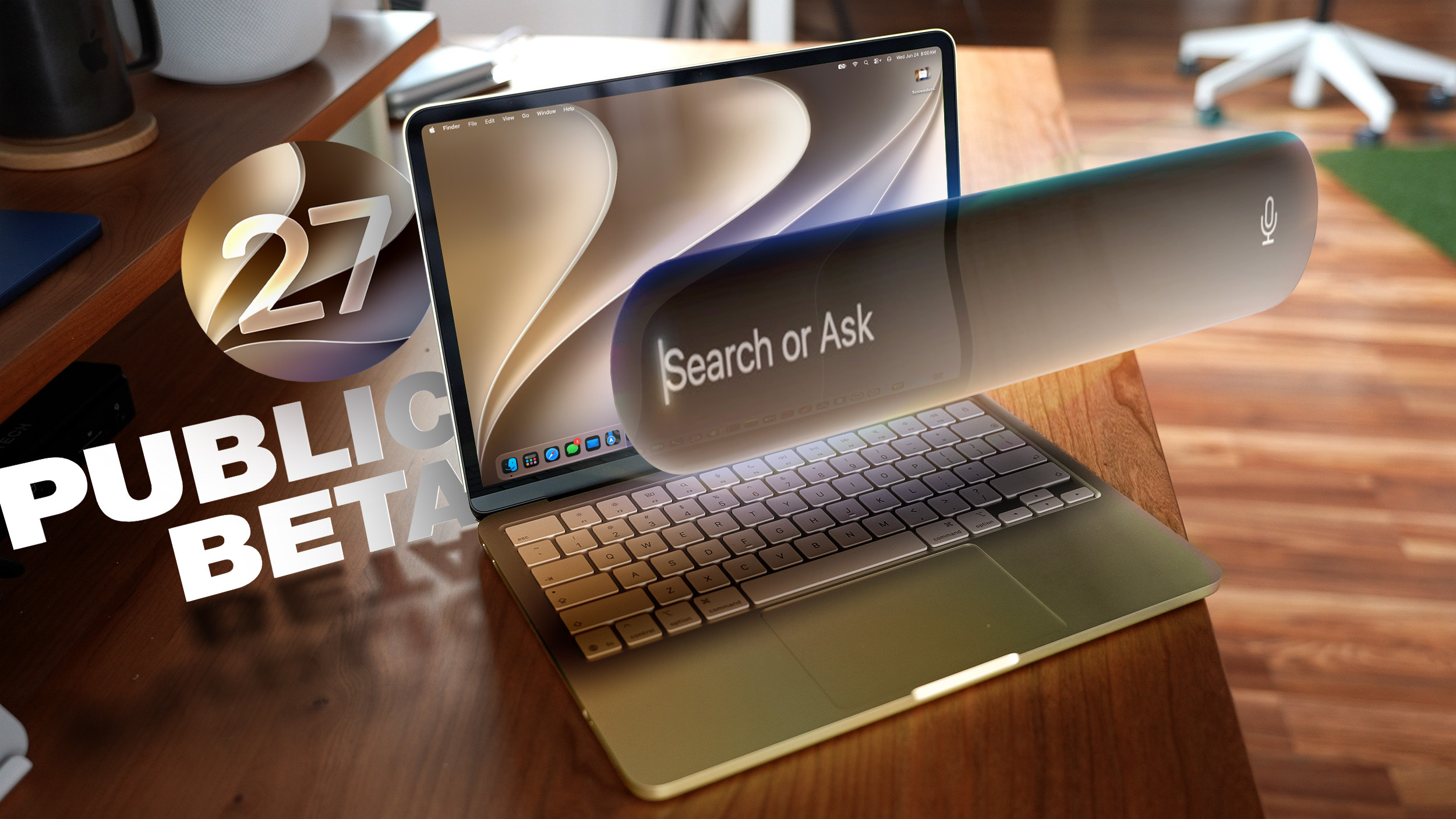
Apple today released the second public beta of macOS Golden Gate, allowing non-developers to test the software ahead of its fall release. You can sign up to test the update on Apple's beta website, and then download it by going to System Settings > General > Software Update and toggling on the macOS 27 beta.
macOS-27-Public-Beta-Thumb-2.jpg

macOS Golden Gate includes the same Siri AI features as iOS 27 and iPadOS 27, but you get to Siri through Spotlight with a Command + Space keyboard shortcut. Siri can search the web to answer questions, look through your personal data like photos, emails, and messages to help you find what you're searching for, and complete actions in and between apps. There is a dedicated Siri app, and you can hold ongoing conversations with Siri.

Apple brought Visual Intelligence to the Mac, so Siri can look at what's on your screen and answer questions about it.

The Liquid Glass design introduced last year has been updated, and Apple added a slider for controlling overall system transparency. Liquid Glass opacity has been changed so it better diffuses complex content, and other design changes bring more depth and separation to the UI so it's easier to tell which window is active.

Apps now feature uniform toolbars with headings and controls that are easier to read, and windows no longer have such dramatically rounded corners. Sidebars are no longer floating and extend edge-to-edge, plus window positioning is more consistent across external displays.

Write with Siri is able to generate text from scratch, correct your grammar, or give you feedback on your writing, and there are new AI editing tools in the Photos app. In Shortcuts, you can create automations with natural language requests, and search has been improved in Mail and Messages. Apple made multiple performance improvements across macOS Golden Gate for a faster, smoother experience even on older Macs.

More on the new features in macOS 27 can be found in our macOS Golden Gate roundup.

Article Link: Second macOS Golden Gate Public Beta Now Available
 
  • Wow
Reactions: Z-4195
I ran the Tahoe betas on a virtual machine and it was a great, risk-free way to test drive the OS without impacting my Mac. I gather that’s not so easily done this time around:


But I’m going to see if I can start a Tahoe VM and opt in to the beta program for GG from inside it...

edit: no dice. I enrolled in the Beta program with the same Apple Account the VM is using, and still see this. I do correctly see the beta options on my actual Mac, but not interested in running it there, just within the VM. If anybody has any tips, interested to know!

Screenshot 2026-07-22 at 1.45.50 PM.png
 
Last edited:
  • Sad
Reactions: cwintermeyer
Making a rare comment* to share an interesting/amusing Siri AI quirk I found: it seems reluctant to use the word "AI" to describe itself! (These questions were rhetorical, since I am indeed running Golden Gate PB1 with the new Siri enabled.)

*Funny that I'm still classified as a "macrumors newbie" even though I activated my account in… 2002.
 

Attachments

  • Screenshot 2026-07-23 at 07.38.07.png
    Screenshot 2026-07-23 at 07.38.07.png
    792.1 KB · Views: 59
  • Like
Reactions: Mainyehc
There 5 PBs of Tahoe, I might jump in at 3 or 4 here.

I sort of consider the public beta the actual beta and the dev version a bit more alpha.
 
Making a rare comment* to share an interesting/amusing Siri AI quirk I found: it seems reluctant to use the word "AI" to describe itself! (These questions were rhetorical, since I am indeed running Golden Gate PB1 with the new Siri enabled.)

*Funny that I'm still classified as a "macrumors newbie" even though I activated my account in… 2002.
That’s what you get for being a lurker… Maybe the MR staff could institute the “macrumors lurker” rank for veterans like yourself? 😉
 
Last edited:
  • Like
Reactions: jjrtiger
Making a rare comment* to share an interesting/amusing Siri AI quirk I found: it seems reluctant to use the word "AI" to describe itself! (These questions were rhetorical, since I am indeed running Golden Gate PB1 with the new Siri enabled.)

*Funny that I'm still classified as a "macrumors newbie" even though I activated my account in… 2002.
That’s accurate, actually — Siri is the Virtual assistant you speak to (through voice or text), where as "Siri AI" is the upgraded, context-aware intelligence system powered by Apple Intelligence underneath that is accessed by more than just the assistant. They work together, but are different elements. For example, if someone has an iPhone 14, they have Siri, but not Siri AI — because Siri is just the interactive wrapper. Apple’s naming conventions are dumb sometimes... One day we will get Siri AI Ultra Max.
 
  • Like
Reactions: jjrtiger
I ran the Tahoe betas on a virtual machine and it was a great, risk-free way to test drive the OS without impacting my Mac. I gather that’s not so easily done this time around:


But I’m going to see if I can start a Tahoe VM and opt in to the beta program for GG from inside it...

edit: no dice. I enrolled in the Beta program with the same Apple Account the VM is using, and still see this. I do correctly see the beta options on my actual Mac, but not interested in running it there, just within the VM. If anybody has any tips, interested to know!

View attachment 2647284
i installed 26.5.2 as a VM in parallels and installed it fine by downloading and running the beta4 .pkg
 
  • Like
Reactions: ignatius345
Ah, thanks for the tip. I don’t own Parallels but I’ll see if VirtualBuddy will let me install off a downloaded .pkg file.
UTM should also work as well. I use it to emulate x64 windows but it looks like it virtualises macOS arm natively.

Small chance it might let you drop an .ipsw at it, but guess would be it needs an ISO.
 
  • Like
Reactions: ignatius345
Register on MacRumors! This sidebar will go away, and you'll see fewer ads.