

Hi there,
i have troubles replacing two stock OS X images with some i downloaded. When draging both images to the folder a (Blocked) Sign appears near the cursor. I have seen that i need to open up the Information panel and change the permission of 'everyone' to 'read & write'. But then this sheet pops up:
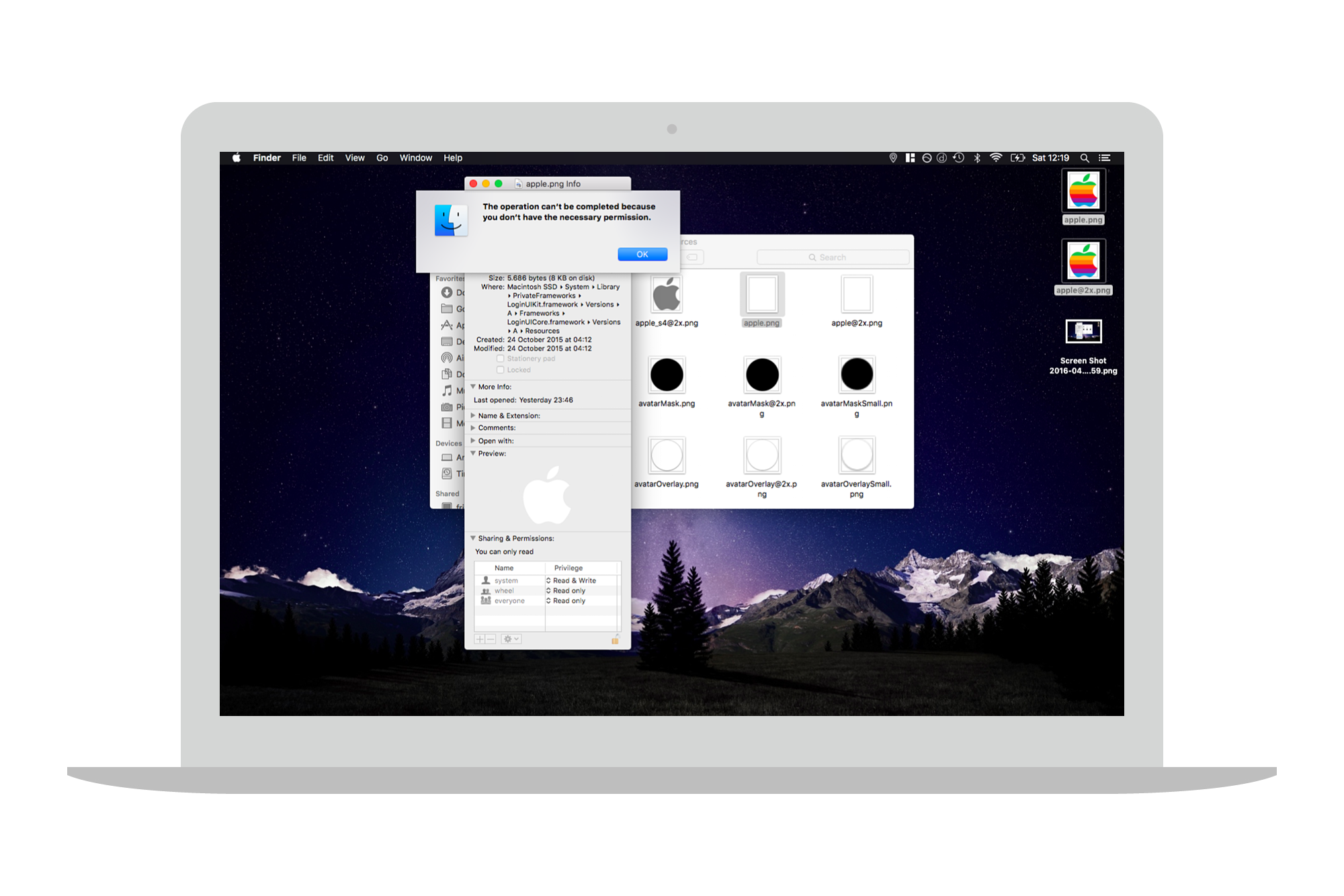
...anybody knows how i can get those images replaced with my downloaded ones?
I have even tried replacing them with the sudo cmd in the Terminal.
Thanks 😉
i have troubles replacing two stock OS X images with some i downloaded. When draging both images to the folder a (Blocked) Sign appears near the cursor. I have seen that i need to open up the Information panel and change the permission of 'everyone' to 'read & write'. But then this sheet pops up:
...anybody knows how i can get those images replaced with my downloaded ones?
I have even tried replacing them with the sudo cmd in the Terminal.
Thanks 😉


