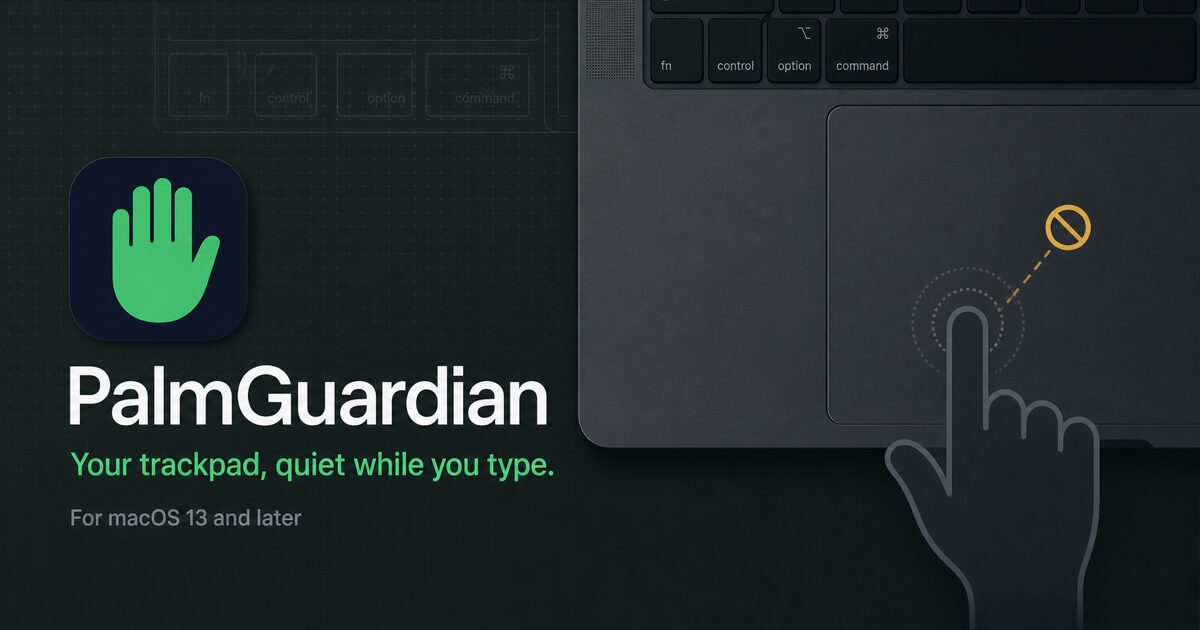
We built a tiny native Mac menu bar app called PalmGuardian after getting tired of the cursor jumping, clicks landing in the wrong place, and scrolling firing while typing on a laptop.
It watches for keyboard activity and pauses pointer movement, clicks, and scrolling for a short recovery window. The delay is adjustable from 0.1 to 2.0 seconds, and everything runs locally.
A few details worth yapping about:
https://palmguardian.com
I would especially like feedback on the default 0.5-second delay and whether the permission explanation is clear before installing.
It watches for keyboard activity and pauses pointer movement, clicks, and scrolling for a short recovery window. The delay is adjustable from 0.1 to 2.0 seconds, and everything runs locally.
A few details worth yapping about:
- $1.99 once, no subscription
- macOS 13 or later, Apple silicon and Intel
- signed and notarized direct download
- no account, ads, or analytics in the app
- no keystrokes recorded or stored
- requires Accessibility and Input Monitoring
https://palmguardian.com
I would especially like feedback on the default 0.5-second delay and whether the permission explanation is clear before installing.